
Articles
-
 Starting the proposal outline The initial proposal outline should be based on the RFP. However, a complex RFP may need a Compliance Matrix to map the requirements to the outline. Ultimately, the outline is just part of what you need in order to be ready to start writing the proposal. The outline needs to reflect the structure that the customer expects and incorporate everything that the customer wants you to address. If the RFP is complex, th
- 0 comments
- 6,214 views
-
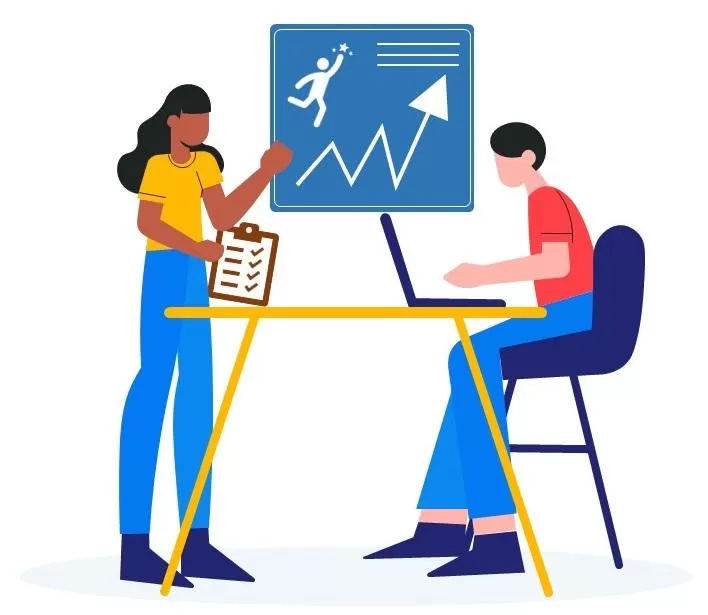 The purpose of proposal planning is to enable you to get it right the first time and to validate that you have prepared the right proposal. While the Proposal Manager is responsible for proposal planning, it is a good idea for those impacted to also read and understand the parts of the process those plans are based on. Proposal planning forces you to make decisions and think things through before you write, instead of writing and then re-writing until you figure it ou
- 0 comments
- 168 views
-
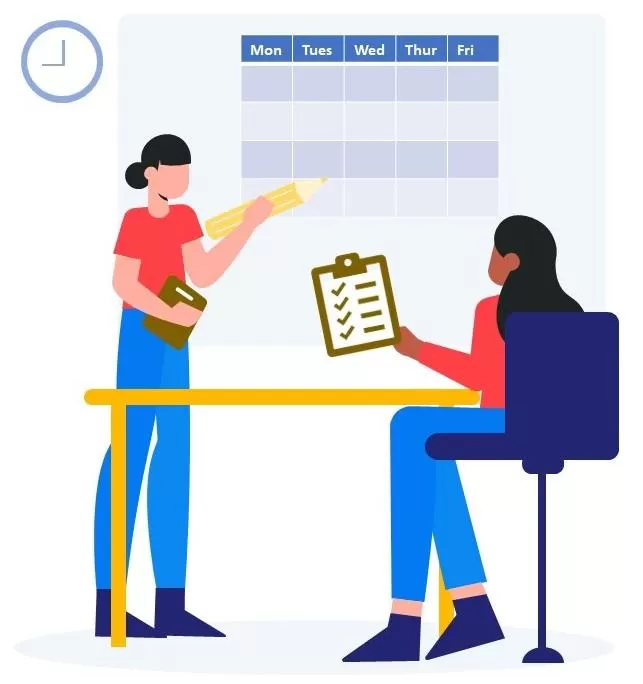 Your kickoff meeting agenda depends on your goals Some kickoff meetings are held to announce the implementation of existing plans and some are held to announce the start of the planning efforts. The Proposal Manager should make sure that the agenda matches the goals you wish to accomplish at the kickoff meeting. The following items should be considered for the Kickoff Meeting Agenda: Introduce the opportunity Introduce the team members
- 0 comments
- 242 views
-
 If you are obsessed with speeding up your proposal writing, the first thing you might want to think about are the things that slow it down. They may not be what you think… To slow down proposal writing: Start proposal writing before you have your basis of estimate (BOE) figured out. One way to look at your proposal is simply as proof of your basis of estimate. It’s kinda hard to prove your BOE if you don’t have one. Without the BOE already figured out, people will tend to write abou
- 0 comments
- 2,002 views
-
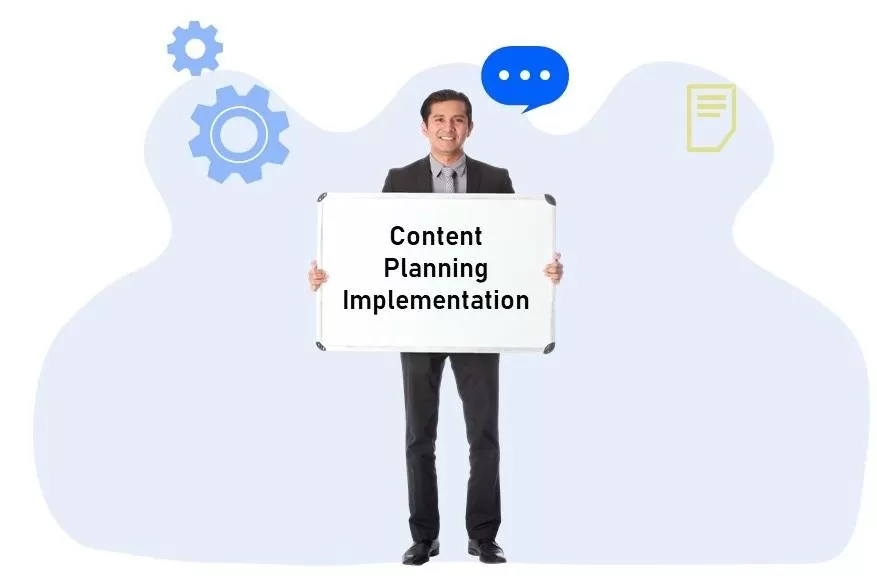 More tips for implementing Content Plans
- 0 comments
- 474 views
-
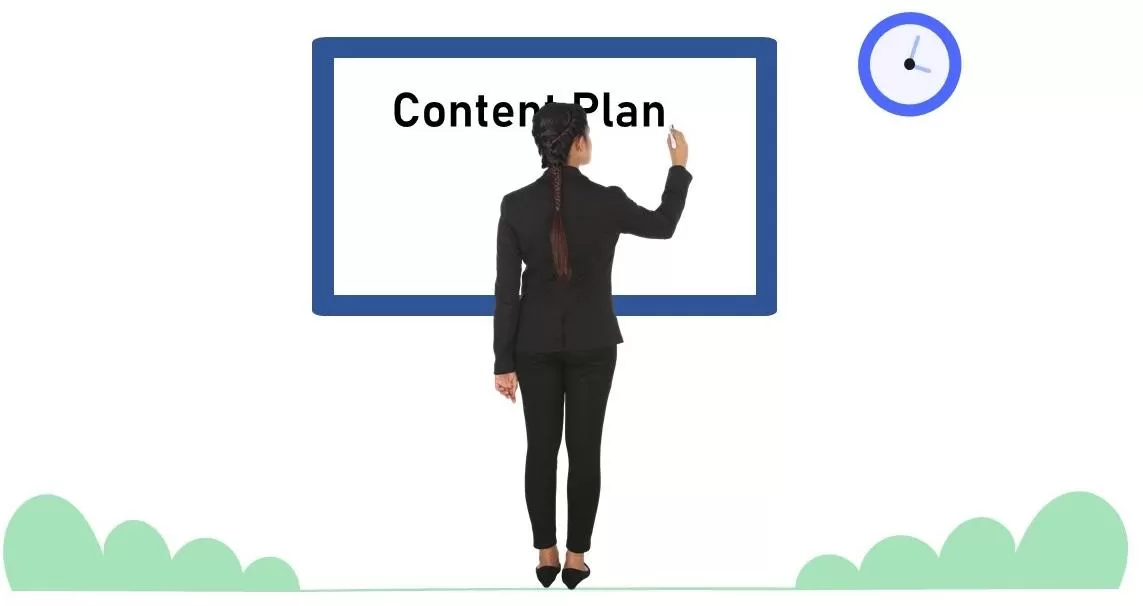 Sometimes you know can guide the authors by telling them what to include and sometimes you just don’t know and need them to figure that out. You get to decide what level of detail and what form the instructions should take, based on your knowledge, the capabilities of your writers, and the circumstances surrounding your proposal. Think of Content Planning as a toolbox with many different techniques that can be used to solve particular problems. Sometimes the instructions will tell the aut
- 0 comments
- 341 views
-
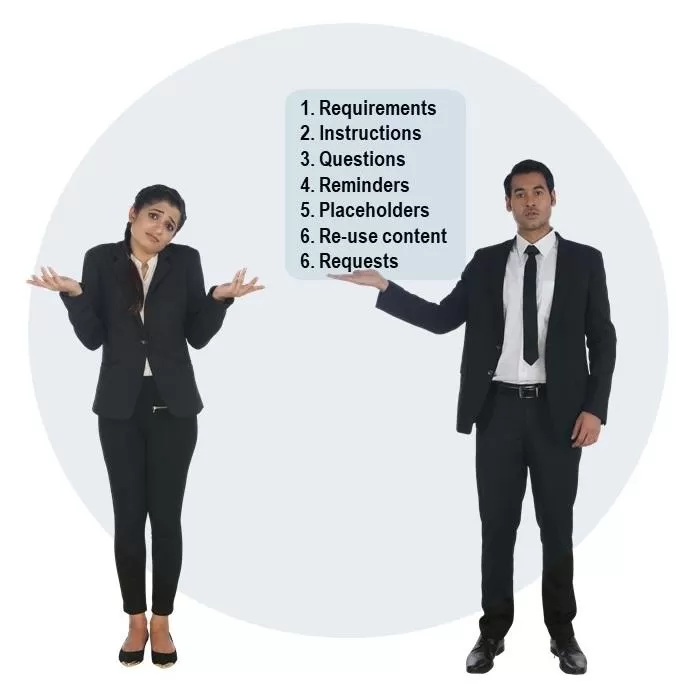 Content Plans are containers. They hold ideas, instructions, and other forms of communication between proposal planners, authors, and reviewers. It’s okay if they get a little messy because you don’t want to invest too much time in making them look good when you still have to do the actual proposal. What matters is whether they set the right expectations and are helpful. This depends on who your authors are. If you are doing a Content Plan for yourself, then you’ll know what you meant (bu
- 0 comments
- 346 views
-
 The two main approaches for creating Proposal Content Plans: The best approach depends on your organization's culture, your management style, and the availability of resources. Collaborative. The Proposal Manager uses the Content Planning approach to solicit and capture input from a variety of sources in order to gather everything that should go into the proposal. You can also use the Content Plan to build consensus and facilitate decision making. In other words, the wr
- 0 comments
- 191 views
-
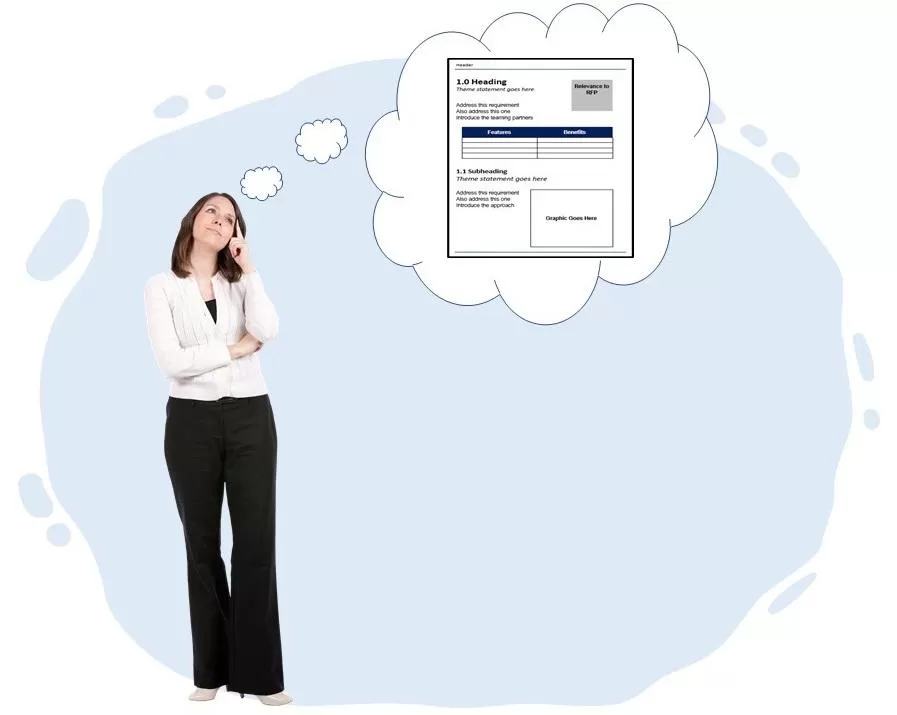 A finished Content Plan looks like a proposal But it is just a shell, with headings from your outline. It has bullets instead of paragraphs of text, and empty tables and placeholders for graphics. Each page of the Content Plan represents a page of the proposal. When writing starts, each instruction and placeholder gets replaced with the real response. The success of your Content Plan depends on what you put into it. It starts empty
- 0 comments
- 331 views
-
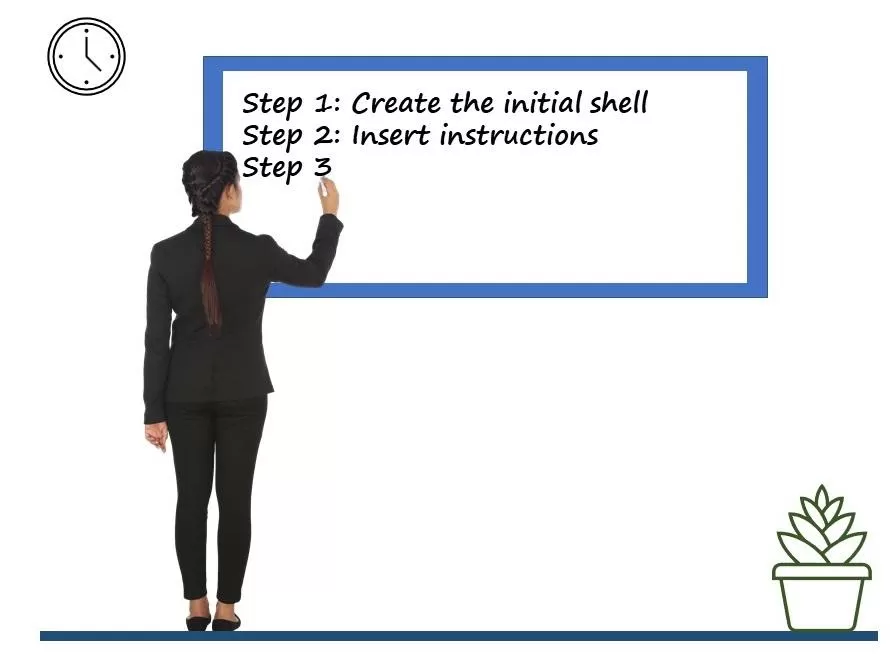 Building a Proposal Content Plan through an iterative process: The 8 iterations can be implemented one at a time in sequence or used like a checklist to expedite figuring out what to write: Create the initial shell. Insert instructions for addressing RFP requirements. Add instructions for incorporating win strategies and themes, and to optimize the proposal against the evaluation criteria. Add instructions for incorporating your cust
- 0 comments
- 9,068 views
-
 The CapturePlanning.com MustWin Process and Content Planning are both designed with proposals based on written RFPs in mind. However, if your customer isn’t going to issue a written RFP you can still adapt the approaches. All you need to do is formally identify the customer’s requirements. The challenge will be identifying the customer’s requirements. Your sales process and other customer contacts should incorporate questions designed to solicit this information from the customer. T
- 0 comments
- 255 views
-
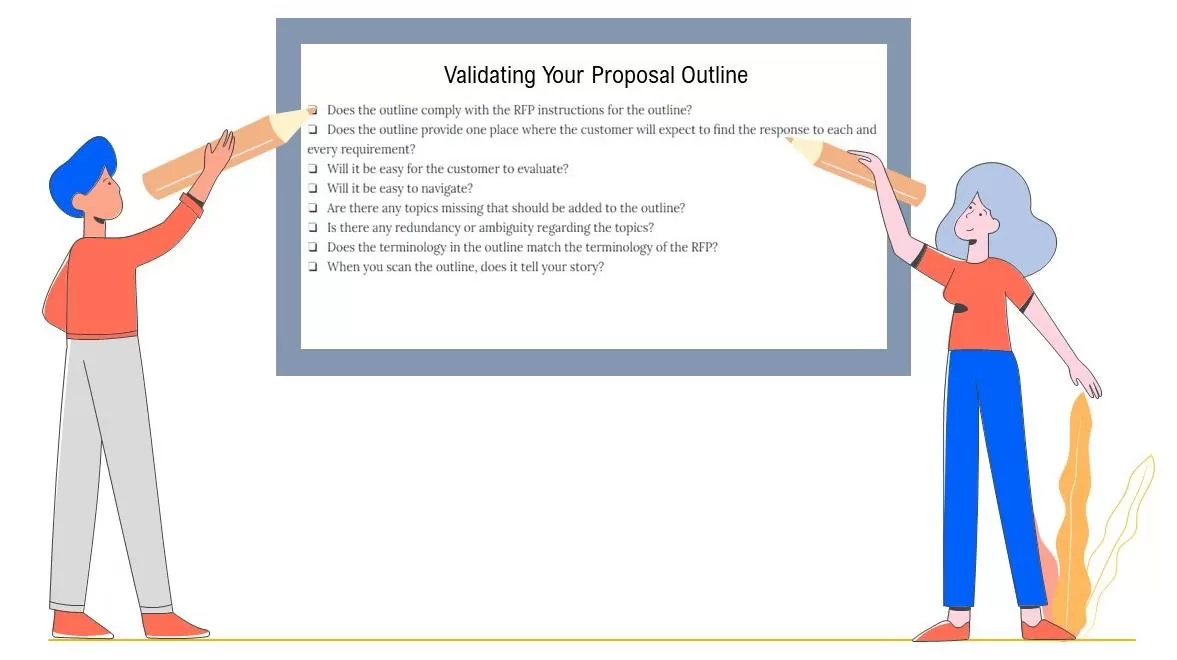 When you have completed your proposal outline, you can use the following checklist to validate it: ❏ Does the outline comply with the RFP instructions for the outline? ❏ Does the outline provide one place where the customer will expect to find the response to each and every requirement? ❏ Will it be easy for the customer to evaluate? ❏ Will it be easy to navigate? ❏ Are there any topics missing that should be added to the outline? ❏ Is there any redundancy or ambiguity
- 0 comments
- 468 views
-
 It takes more than just good wording for themes to be effective. Do they add up to a winning evaluation score? For your proposal to win, it must achieve the winning score. Your themes should not only be scoreable, but should achieve a winning score. They should reflect the wording of the evaluation criteria and should reflect what it takes to get a winning score instead of an unsubstantiated statement about being the best solution for the customer’s needs. Do they reflect your co
- 0 comments
- 370 views
-
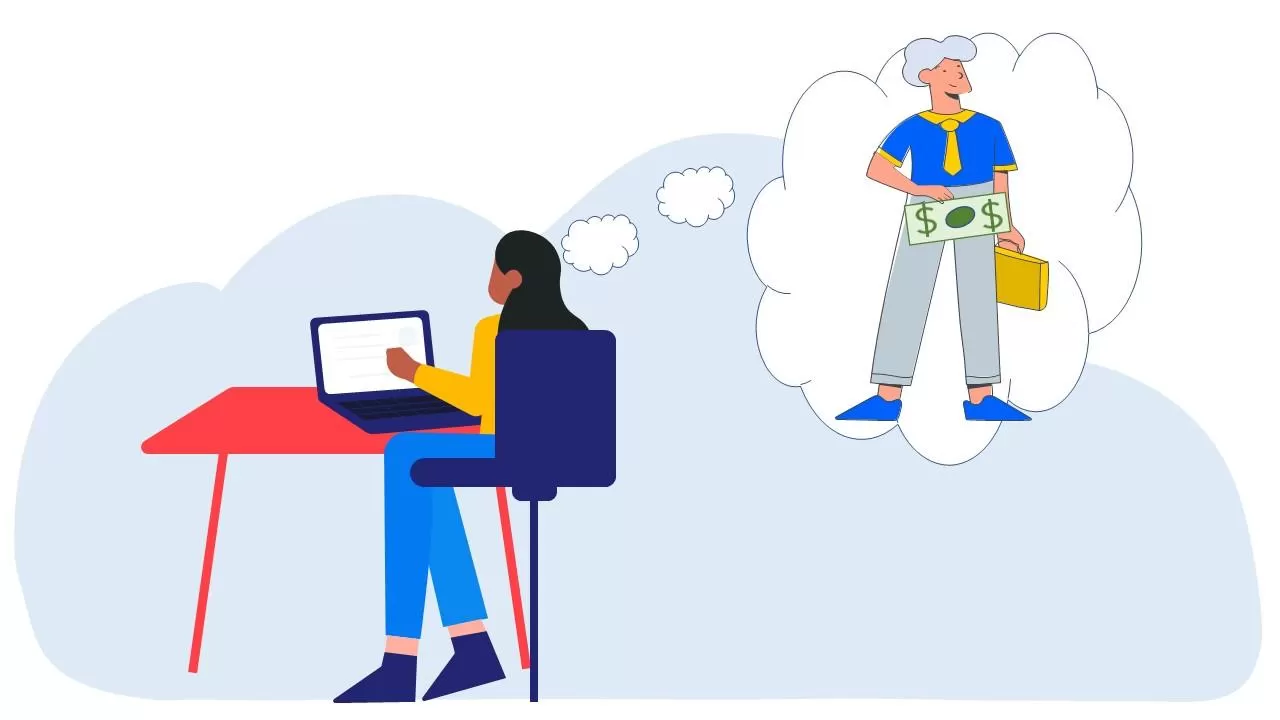 When you receive a proposal, what information do you need in order to decide whether to approve it? The decision maker starts with questions and looks for answers. They don’t read your proposal. They look for answers. When you are the decision maker, your questions might include: What am I going to get or what will the results be? What do you want (from me)? How much is it going to cost and is it worth it? What will it take to make it happen? What could g
- 0 comments
- 349 views
-
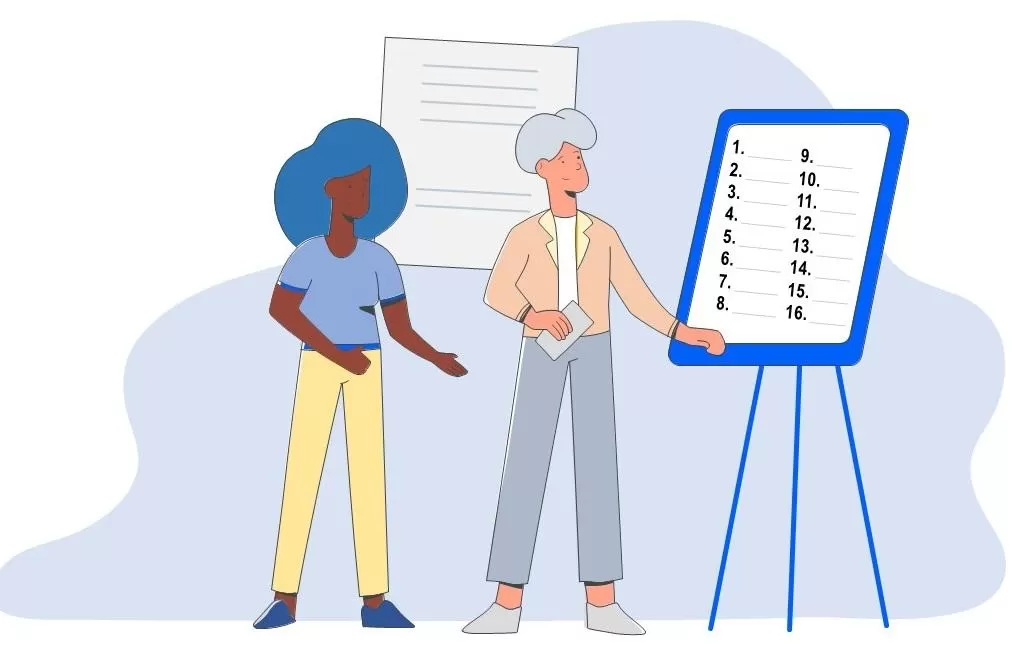 If there is no RFP, then it’s up to you to figure out how to organize your proposal. When there is an RFP, it sets the customer's expectations regarding how you should organize your proposal. But it may only do so at a high level, leaving you to organize things at the detail level (provided you remain compliant with the RFP). Here are some ways to organize your outline when it is up to you: Expectations. By far, the most important consideration in organizing your proposal is to ful
- 0 comments
- 434 views
-
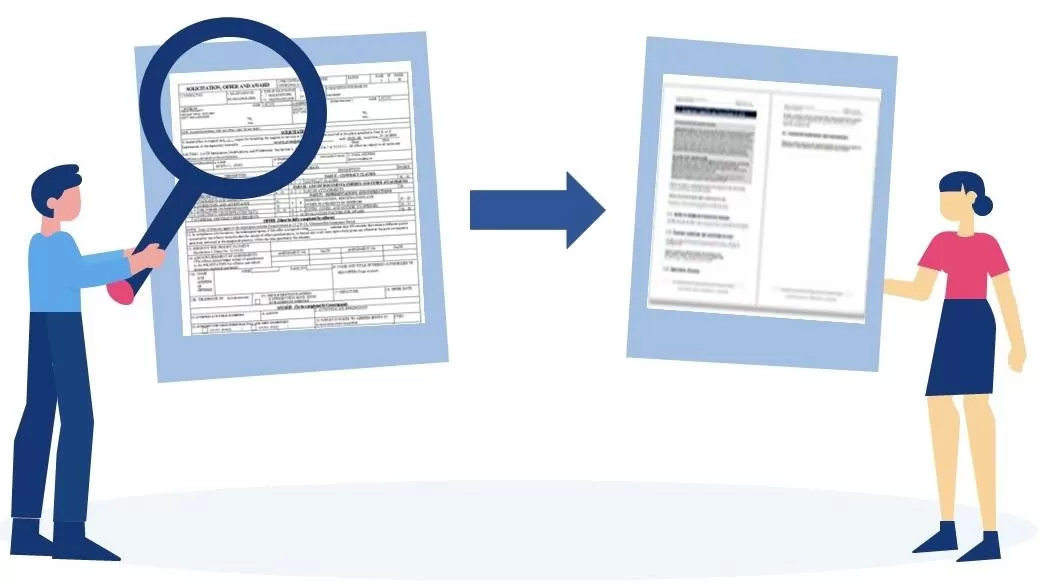 Ambiguity in the language of the RFP can make it difficult to determine what the customer’s expectations are and how you should structure your proposal to fulfill them. Often an RFP will describe in a narrative what they want you to address in your proposal. To prepare your proposal you have to create an outline based on what they have described. You have to decide what topics should get headings and what topics should be addressed under the headings you identify. Doing this will involve
- 0 comments
- 6,798 views
-
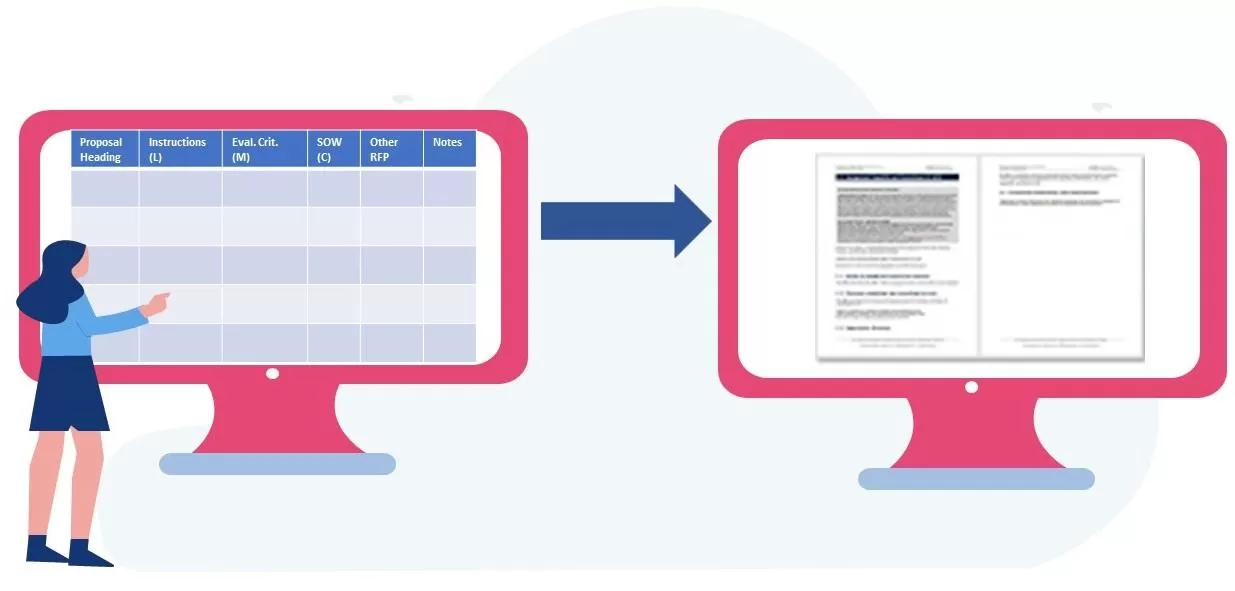 Steps for creating a proposal outline: Create a Compliance Matrix based on the RFP. Create the outline as you parse the RFP requirements in the Compliance Matrix. Use the outline to begin Proposal Content Planning, where you figure out everything else that needs to go into your proposal in order to win. Creating the outline and the compliance matrix go hand in hand. You should start by following any instructions the RFP may contain regarding how
- 0 comments
- 686 views
-
 Four ways to determine what it will take to win: What it will take to win will be different with each pursuit. Readiness Reviews help you collect intelligence about the customer, opportunity, and competitive environment, but you still need to assess it to determine what it will take to win. Here are four different ways to look at things to help you assess what it will take to win: What will it take to convince the customer to select you? What motivates the customer? What matters to
- 0 comments
- 177 views
-
 The following list of potential themes is intended to provide inspiration. Each theme below is followed by an example. However, details and substantiation are what separate an empty claim from a persuasive statement. Use the words below for inspiration, but make sure you include the specifics of their environment and your solution and how it will benefit your customer so that your themes will really stand out. The following list provides 101 Win Themes for
- 0 comments
- 3 views
-
 The following list of potential themes is intended to provide inspiration. Each theme below is followed by an example. However, details and substantiation are what separate an empty claim from a persuasive statement. Use the words below for inspiration, but make sure you include the specifics of their environment and your solution and how it will benefit your customer so that your themes will really stand out. The following list provides 101 Win Themes for
- 0 comments
- 547 views


